Introduction
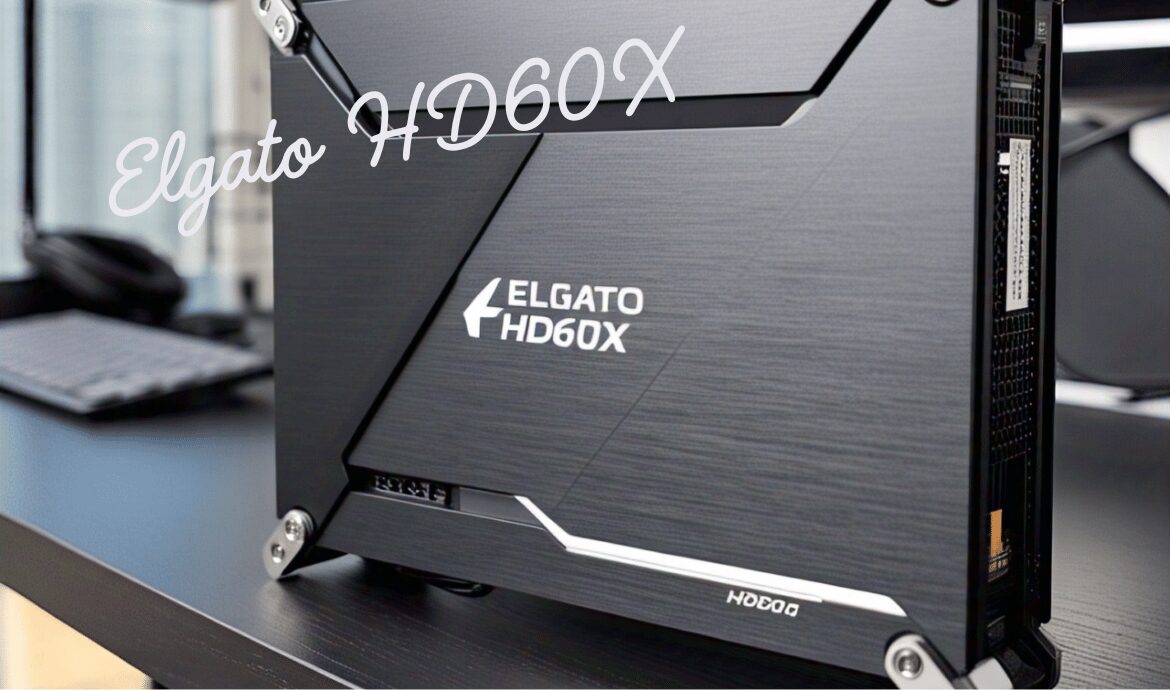
The Elgato HD60X is a cutting-edge video capture card tailored for gamers, streamers, and content creators who demand high-quality recordings and live streams. This device allows users to capture and stream gameplay at 1080p resolution at 60 frames per second, ensuring explicit, vibrant, and smooth video content.
What distinguishes the HD60X is its ability to simultaneously capture multiple sources, including gameplay, a webcam feed, system audio, and microphone input. This multi-source functionality offers streamers unparalleled flexibility, allowing them to create more dynamic and engaging broadcasts.
Along with powerful capture capabilities, the HD60X comes equipped with customizable overlays, allowing users to personalize their streams or recordings without relying on third-party software. With integrated video editing tools and support for streaming on major platforms like Twitch, YouTube, and Facebook, the Elgato HD60X is an all-in-one solution for enhancing your content creation process.
| Feature | Description |
| Resolution & Frame Rate | Supports 4K HDR10 passthrough, allowing for high-quality visuals on your display while capturing in 1080p at 60 frames per second. |
| Multi-Source Capture | Simultaneously captures gameplay, webcam feed, system audio, and microphone input for dynamic broadcasts. |
| Customizable Overlays | Allows users to add personalized graphics and themes without third-party software, enhancing the look of recordings or streams. |
| Video Editing Integration | Edit and trim recordings directly within the Elgato software, or export footage to advanced editing programs like Adobe Premiere Pro. |
| 4K HDR10 Passthrough | Integrates seamlessly with the Elgato Stream Deck for smooth live stream control through custom, programmable buttons. |
| Low Latency (Instant Gameview) | Offers low-latency technology for minimal delay between gameplay and stream, ideal for competitive gaming or accurate live broadcasts. |
| Stream Deck Integration | Integrates seamlessly with the Elgato Stream Deck for smooth live-stream control through custom programmable buttons. |
| Streaming Platforms | Directly streams to platforms like Twitch, YouTube, Facebook, and more, without needing additional third-party software. |
Elgato HD60X
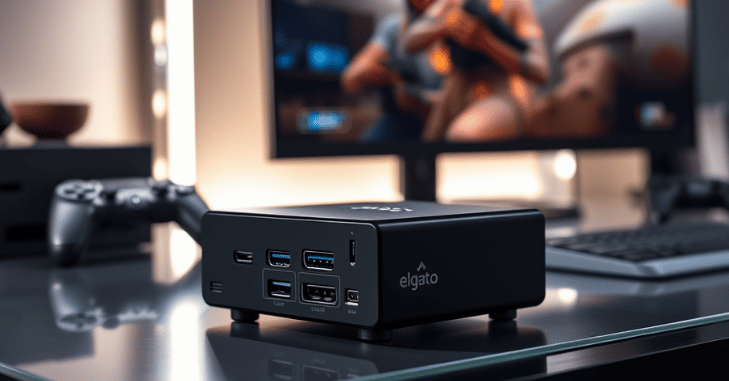
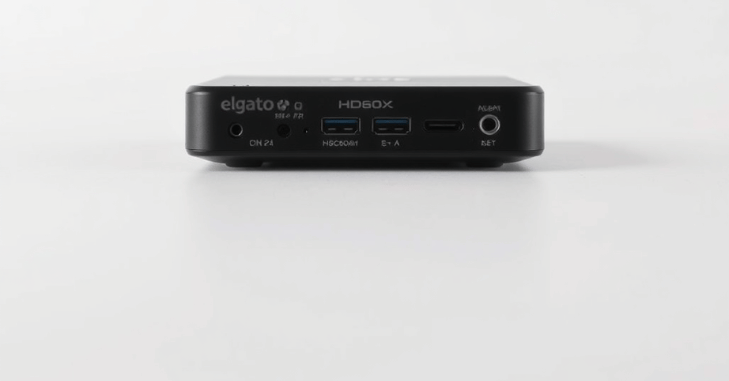
The Elgato HD60X is a powerful and versatile video capture card designed for streamers, content creators, and gamers who want to produce high-quality video recordings and live streams. This device allows users to capture and stream gameplay in 1080p resolution at 60 60 frames per second (fps), ensuring smooth and vibrant video quality.
What sets the HD60X apart is its ability to capture gameplay from multiple sources simultaneously, allowing streamers to easily integrate webcam feeds, system audio, and microphone input. This is particularly beneficial for live streaming, as it offers flexibility in creating dynamic, multi-layered broadcasts.
One of the standout features of the Elgato HD60X is its customizable overlays, allowing users to add personalised graphics and themes to their recordings or streams. Whether you’re looking to brand your stream or simply want a clean, professional look, this feature eliminates the need for third-party software to create complex designs.
For content creators who want to do more than just stream, the video editing integration is another key feature, enabling users to edit, trim, and refine their recordings directly within the Elgato software. For those who need more advanced editing, footage can be exported to popular editing software such as Adobe Premiere Pro or Final Cut Pro.
Overview of Elgato HD60X Software
The Elgato HD60X comes with various software tools to ensure optimal performance and compatibility. The leading software associated with the device is Elgato’s Game Capture Software, which allows users to record, edit, and stream content from their devices. The software is designed for seamless integration with the hardware and offers a variety of valuable features tailored to content creators.
Key Software Features
Game Capture Software
Elgato’s Game Capture Software is the primary application for managing the HD60X. It allows users to:
- Capture and Record Gameplay: Record high-definition gameplay directly from the console or PC.
- Stream Live: Stream content directly to popular platforms like Twitch, YouTube, or Facebook Live.
- Instant Replay: Save your favourite moments with the Instant Replay feature, allowing you to capture up to 60 minutes of gameplay to replay later.
- Scene Editing: Modify scenes and layouts for live streaming with custom overlays, webcam feeds, and more.
Stream Deck Integration
If you own an Elgato Stream Deck, you can seamlessly integrate it with the HD60X for a smoother live-streaming experience. The Stream Deck allows you to program custom buttons to control your capture card, launch specific scenes, or adjust settings on the fly. The integration makes it easier to manage your stream without having to leave the software or game.
4K60 HDR10 Passthrough
The HD60X supports 4K HDR10 passthrough, allowing you to view your gameplay in full 4K HDR while still capturing and recording at 1080p at 60 frames per second. This feature is handy for those who want to experience the highest quality visuals on their display without sacrificing recording quality.
Customizable Audio Settings
The software allows you to adjust the audio levels for different inputs (game, mic, system, etc.), ensuring that your audience can hear everything clearly while streaming or recording. This is vital for creating a balanced audio experience during live broadcasts.
Instant Gameview (Low Latency)
The Elgato HD60X software offers low-latency technology, reducing any lag between your gameplay and the output on your screen or stream. This is crucial for competitive gaming or providing the most accurate live broadcast possible. The Instant Gameview feature enables you to monitor and interact with the stream with minimal delay.
How to Set Up Elgato HD60X Software?
Setting up the Elgato HD60X software is a straightforward process. Here’s how you can get started:
1. Install the Software
- Download the Elgato Game Capture Software from the Elgato website.
- Install the software by following the on-screen instructions.
- Also, ensure that you install any necessary drivers for the HD60X to function correctly.
2. Connect the Hardware
- Connect your Elgato HD60X to your gaming console or PC using the provided USB-C cable.
- For consoles (PlayStation, Xbox, Nintendo Switch), connect the console’s HDMI output to the HD60X input, and then connect the HD60X’s HDMI output to your monitor or TV.
- For PC setups, the process is similar, with the PC acting as both the source and the destination for the video feed.
3. Configure Settings
- Once your device is connected, open the Game Capture Software.
- In the software, you can adjust recording settings, resolution, frame rate, and other preferences.
- You can also configure streaming settings, such as platform integration (Twitch, YouTube, etc.), stream overlays, and audio adjustments.
4. Start Capturing or Streaming
- After configuring your settings, hit the “Start Recording” or “Start Streaming” button to begin your session.
- Use the live preview to monitor your stream and capture high-quality video while ensuring minimal lag.
Advanced Features and Settings in Elgato HD60X Software
| Feature | Description |
| Multi-Source Recording | Capture gameplay, webcam feed, system sound, and microphone input simultaneously. Ideal for streamers with multiple video/audio sources. |
| Customizable Overlays | Add personalised overlays, graphics, and themes to your stream or recording without needing third-party tools. |
| Video Editing Integration | Edit and trim recordings directly in the Elgato software or export to advanced video editing software like Adobe Premiere Pro or Final Cut Pro. |
| Streaming to Multiple Platforms | Stream directly to multiple platforms, including Twitch, YouTube, Facebook, and more, without needing additional third-party software. |
HD60X vs Other Capture Cards
When comparing the Elgato HD60X to other popular capture cards, such as the AverMedia Live Gamer Extreme or the Razer Ripsaw, the HD60X stands out for its ease of use, superior software features, and low-latency technology.
While other capture cards may offer similar hardware specifications, Elgato’s software integration and customizability provide a more streamlined experience, especially for those who need reliable, high-quality streams or recordings.
Compatibility and Platform Support
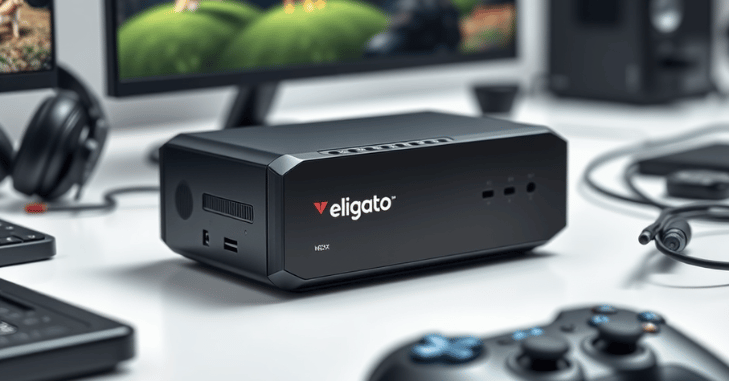
One of the biggest advantages of the Elgato HD60 X is its broad compatibility across multiple gaming platforms and operating systems. It works seamlessly with Sony Interactive Entertainment consoles like the PlayStation 5, Microsoft systems such as the Xbox Series X, and Nintendo Switch. It also supports both Windows and macOS, making it highly flexible for creators regardless of their setup.
This wide platform support makes the HD60X a reliable choice for gamers who frequently switch between consoles or want to create content across different devices without compatibility issues.
Conclusion
The Elgato HD60X, paired with its robust software, is an excellent choice for gamers, streamers, and content creators who want to elevate their content creation process. Whether you’re streaming, recording, or editing your gameplay, the HD60X software makes it easy to do so, offering advanced features, low-latency performance, and extensive customization options.
Its compatibility with major streaming platforms and user-friendly interface make it a top pick in the capture card market. If you’re serious about gaming or content creation, the Elgato HD60X is a fantastic investment.
Apart from that, if you are interested to know about “Corsair 6500X: A High-Quality PC Case for Power Users, Design” then visit our “Tech” category.
FAQs
The Elgato HD60X is a video capture card that enables gamers and streamers to capture and stream gameplay in 1080p at 60 frames per second with multi-source capture.
Yes, the HD60X allows simultaneous capture of gameplay, webcam feed, system audio, and microphone input.
Yes, the HD60X supports direct streaming to platforms like Twitch, YouTube, and Facebook.